Garmin Stealth Mode: What It Does and How to Use It
Learn what Garmin stealth mode does, which watches have it, and how to enable it. A practical guide for hikers who want GPS privacy on the trail.

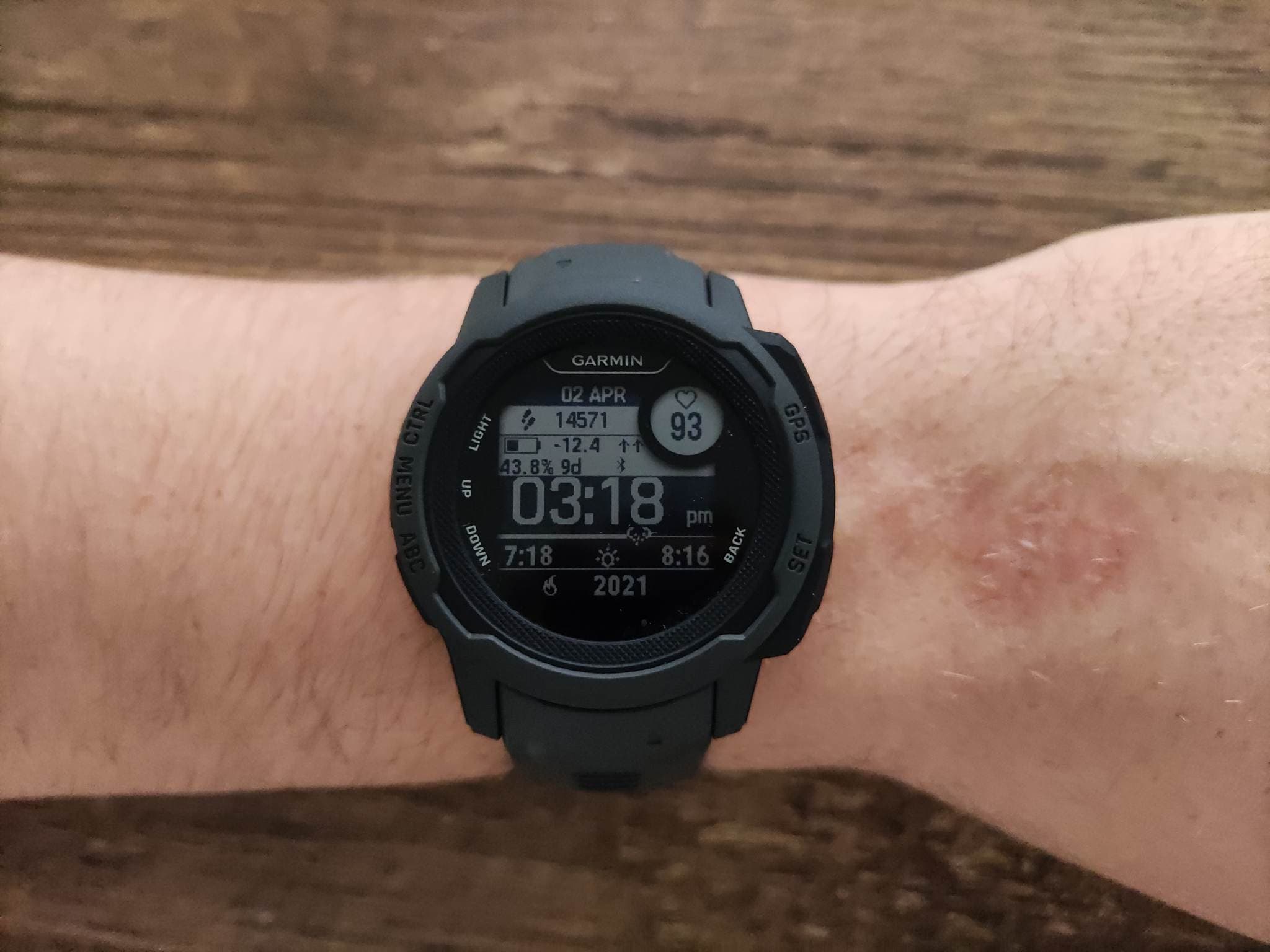
Garmin stealth mode is one of those features that sounds like it belongs in a spy film. In reality, it's a single toggle on Garmin's Tactical watch line that kills all wireless communication and stops your GPS position from being stored or shared. It was built for military personnel operating in sensitive areas, but a growing number of hikers are curious about what it does, and whether it's worth paying extra for.
What Is Garmin Stealth Mode?
Stealth mode is a software feature exclusive to Garmin's Tactical edition watches. When you activate it, three things happen simultaneously:
- All wireless communication stops. Bluetooth and ANT+ connections are disabled, which means your watch disconnects from your phone, any paired heart rate straps, and any other external sensors.
- GPS position sharing is disabled. Your watch won't transmit your coordinates through LiveTrack or any connected services.
- GPS track logging pauses. The watch stops recording your location to the activity history. Your position still appears on the watch display, but it isn't saved anywhere.
Think of it as aeroplane mode with an extra layer. Not only does the watch stop communicating, it also stops leaving a digital breadcrumb trail of where you've been.
Which Garmin Watches Have Stealth Mode?
Stealth mode is only available on Garmin's Tactical edition watches. You won't find it on any standard Garmin model, regardless of price. Here are the watches that include it:
- Garmin Instinct 2 Solar Tactical (~$450)
The Tactical edition is also available on some Fenix models, but for hikers, the Instinct Tactical line is the most relevant. It's worth noting that you cannot unlock stealth mode on a standard Garmin Instinct through firmware updates or third-party software. The feature is baked into the Tactical SKU at the factory level.
How to Enable Garmin Stealth Mode
Activating stealth mode takes about three seconds once you know where to find it. The steps are the same across all Tactical models:
- Hold the CTRL button (labelled "CTRL" on Instinct models) from any screen to open the controls menu.
- Scroll to the stealth mode icon. It looks like a circle with a diagonal line through it.
- Select it. The watch confirms stealth mode is active, and you'll see a small indicator on the watch face.
To turn it off, repeat the same steps. Normal wireless connections and GPS logging resume immediately.
If you don't see stealth mode in your controls menu, you may need to add it. Go to Settings > Controls Menu and enable the stealth mode shortcut. Garmin lets you customise which toggles appear in the quick-access menu, and stealth mode isn't always enabled by default.
When Would Hikers Actually Use Stealth Mode?
The honest answer? Most hikers don't need it. But there are a few scenarios where it could be genuinely useful:
Privacy on shared platforms
If you use Garmin Connect and have followers, your activities are visible to your network by default. Starting a hike without stealth mode means your route gets logged and potentially shared. If you're hiking in a sensitive area, or simply prefer not to broadcast your location, stealth mode prevents any track from being recorded in the first place.
Solo hiking safety concerns
Some solo hikers, particularly women hiking alone, have raised valid concerns about location tracking. If someone gains access to your Garmin Connect account, they can see detailed maps of every route you've taken, including timestamps. Stealth mode ensures that specific legs of your hike leave no digital trace on the watch itself.
Protecting sensitive trail information
In some regions, land managers and conservationists prefer that certain trails or wildlife areas aren't publicised. If you're hiking through a restricted or sensitive zone and don't want your GPS track to become a map that others could follow, stealth mode handles that cleanly.
Garmin Stealth Mode: Tactical vs Standard Instinct
Is the Tactical edition worth it just for stealth mode? Here's how the Instinct 2 Solar Tactical stacks up against the standard Instinct 2, which covers the same core hiking features without the tactical extras.
Tactical vs Standard Instinct 2
Garmin Instinct 2 Solar Tactical
$450
?Estimated price — check latest price on Amazon
Hikers who want one-tap stealth mode and tactical features
Pros
- ✓Full stealth mode, NVG mode, and Jumpmaster
- ✓Solar charging extends battery life
- ✓MIL-STD-810 durability rating
- ✓Tactical features built in at the factory
Cons
- ✕Higher price at around $450
- ✕Monochrome display, no touchscreen
- ✕Tactical features remain niche for hikers
- ✕More than most hikers need
Garmin Instinct 2
Budget-conscious hikers who don't need tactical extras
Pros
- ✓Lower price point
- ✓Same rugged build and core navigation
- ✓Solar charging available on Solar variants
- ✓Every standard hiking feature you'll use
Cons
- ✕No stealth mode toggle
- ✕No NVG mode or Jumpmaster
- ✕You must disable Bluetooth and tracking manually
- ✕Monochrome display, no touchscreen
If you're debating between the Tactical edition and the standard Instinct, our Garmin Instinct vs Tactical comparison covers all six tactical-only features in detail.
Stealth Mode vs Manually Disabling Features
You don't need a Tactical watch to go "dark" on the trail. Here's how the two approaches compare:
With stealth mode (Tactical only):
- One button press disables everything
- Visual indicator confirms the mode is active
- One button press restores everything
Without stealth mode (any Garmin watch):
- Turn off Bluetooth manually in settings
- Disable LiveTrack in the Garmin Connect app
- Pause or end your activity recording
- Re-enable each feature individually when you're done
The convenience factor is real. Stealth mode is a single toggle that guarantees nothing is transmitting or recording. Doing it manually requires three or four separate steps, and it's easy to forget one, especially if you're in a hurry on the trail.
That said, the manual approach is free. You don't need to buy a Tactical edition watch for basic privacy. If convenience is the only draw, it's hard to justify the premium over the standard Garmin Instinct 2.
Battery Impact of Stealth Mode
One benefit that doesn't get mentioned often: stealth mode can extend your battery life. With Bluetooth, ANT+, and GPS logging all disabled, the watch draws less power. Garmin doesn't publish specific battery figures for stealth mode, but disabling wireless radios typically adds 10 to 20 percent more life in smartwatch mode.
If you're on a multi-day hike and want to conserve power between active navigation sessions, toggling stealth mode during rest stops or camp time is a practical trick. Check our Garmin battery life overview for more tips on getting the most from your watch on extended trips.
The Verdict
Garmin stealth mode is a clean, well-designed feature that does exactly what it promises. One tap, and your watch goes silent: no broadcasting, no recording, no data trail. For military and law enforcement users, it's essential. For hikers, it's a nice-to-have rather than a must-have.
If privacy on the trail genuinely matters to you, and you prefer a one-tap solution over manual toggling, the Garmin Instinct 2 Solar Tactical at around $450 is a solid investment. For everyone else, the standard Instinct 2 covers every hiking feature you'll actually use, and you can always turn off Bluetooth and pause recording yourself when you want to go off-grid.
Last updated on June 21, 2026.

Jasper Baetens
Hiking enthusiast from Belgium, mainly active in Europe. Created HikeHeaven to share experiences, research, tips, tricks and product recommendations, or simply to help other hikers.